Core Features
Tasks
Track work items and delegate them to agents without leaving the app
The Tasks view brings your issue tracker into Superset, so delegating a task to an agent doesn't start with a copy-paste from Linear or GitHub. It's a destination in the dashboard sidebar with independent filters that are restored when you come back. Pull requests have their own view — see Pull Requests.
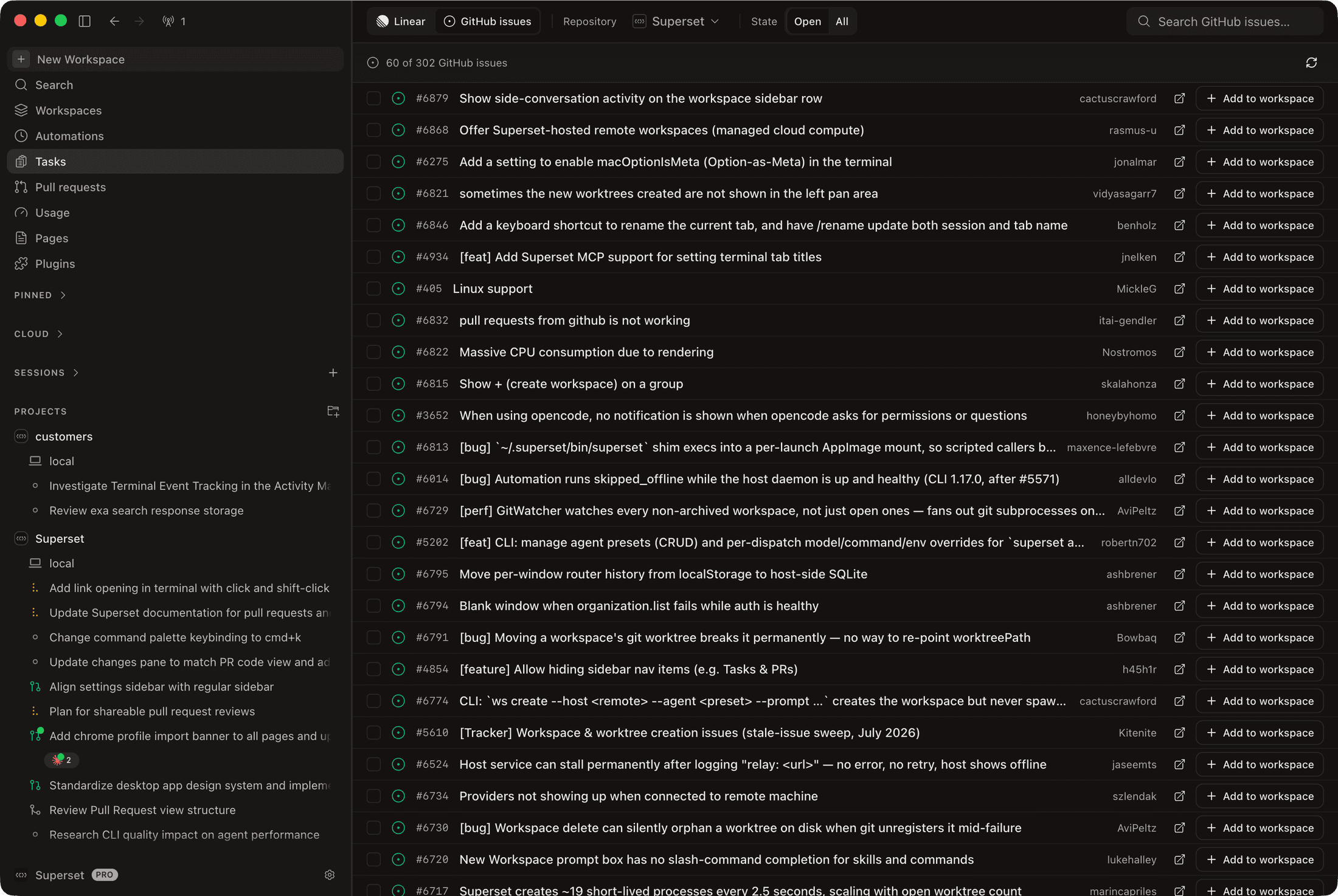
Where Tasks Come From
A source toggle at the top of the view switches between:
- Linear - issues synced from your connected workspace (see Linear Integration), listed alongside Superset-native tasks you create in the app
- GitHub issues - open issues from your projects' repositories, with a repository filter and per-row Add to workspace buttons
The Linear source lists issues from the whole connected workspace; filter by project, status, or assignee to narrow it to yours.
What You Can Do
- List and board views: a sortable table or a kanban board grouped by status
- Filters for project, task state, and assignee; empty filters mean everything
- Semantic search: find tasks by meaning, not just keywords
- Multi-select: check several tasks and act on them together
- Create tasks from the desktop with the New task modal — title, description, status, priority, and assignee
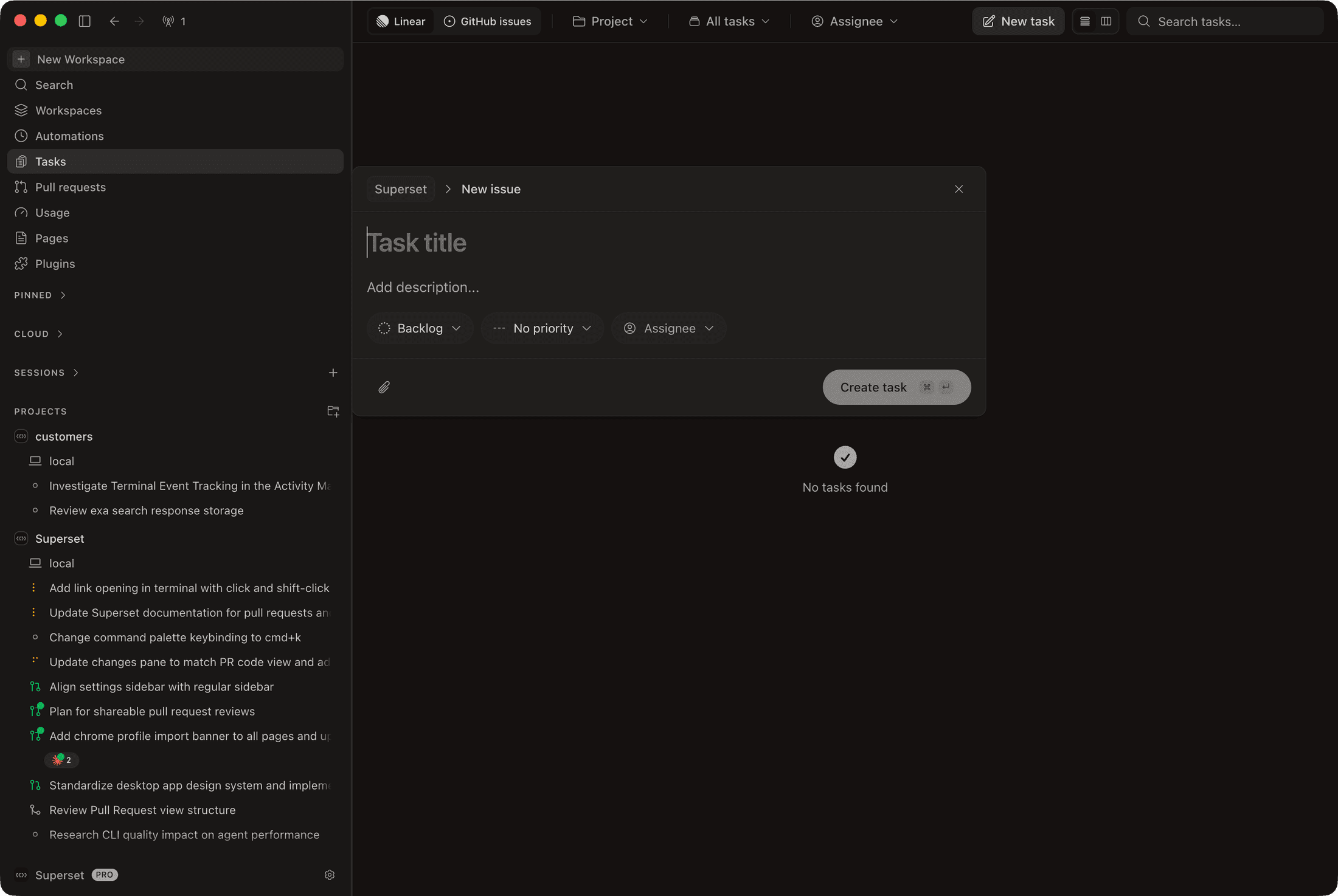
Opening a task shows its full detail: an editable title, description, activity, and a properties sidebar for status, priority, and assignee — plus quick actions without switching to Linear.
From Task to Workspace
The point of having tasks in Superset is delegation. Launch an agent from a task and the task's content becomes the agent's prompt:
- Run in workspace on a task (or a multi-selection of tasks) picks a project and an agent, then creates a workspace per task with the agent already working
- The Auto-run command toggle controls whether each agent starts immediately or stages the command for review
- The Task Prompt Template (per agent, under Settings → Agents) controls how a task is turned into the agent's prompt
- On the GitHub issues source, Add to workspace does the same for a single issue
When the agents finish, their branches come back as PRs — review and merge them from Pull Requests.